
Overview
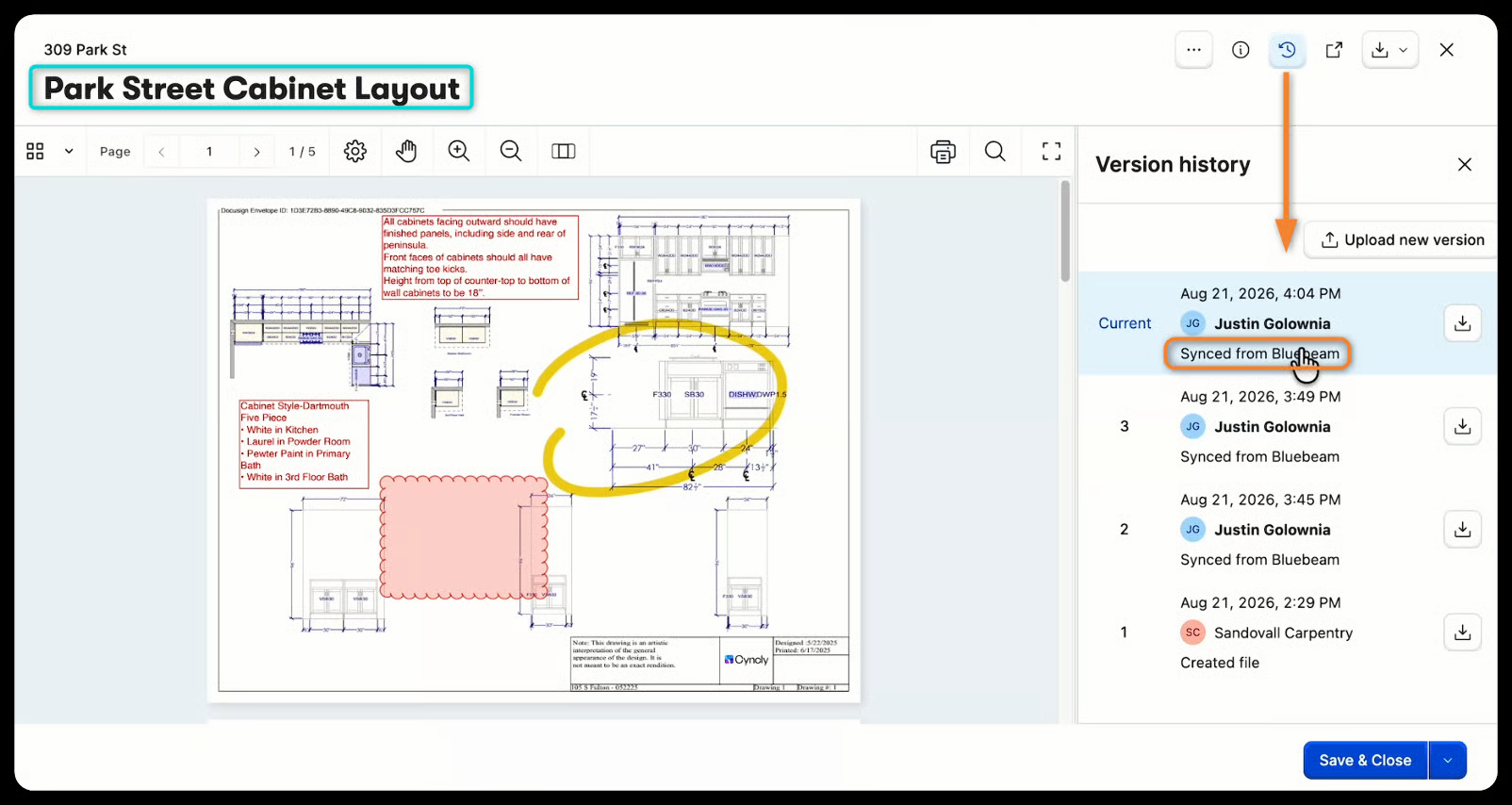
Reviewers, approvers and subs mark up submittal and RFI documents together in real time, in one Bluebeam session instead of scattered email threads. When the markup is done, it comes back into Buildertrend automatically as the next version of the same document, on the same record, with full history intact. Bluebeam is where the markup happens. Buildertrend is where it lives.
Submittals
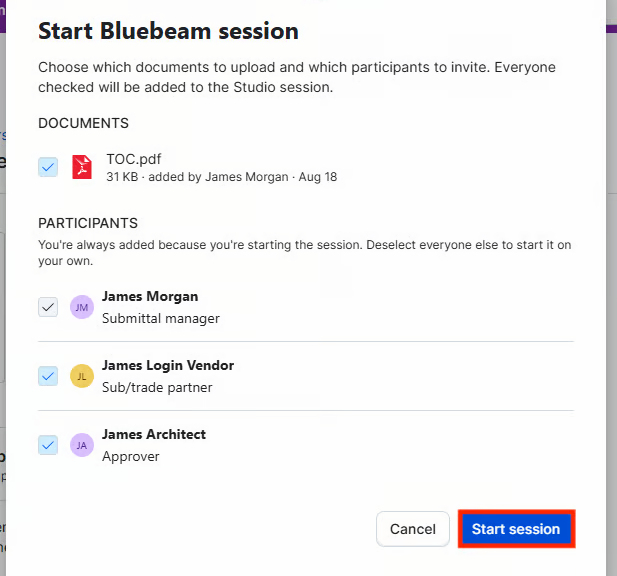
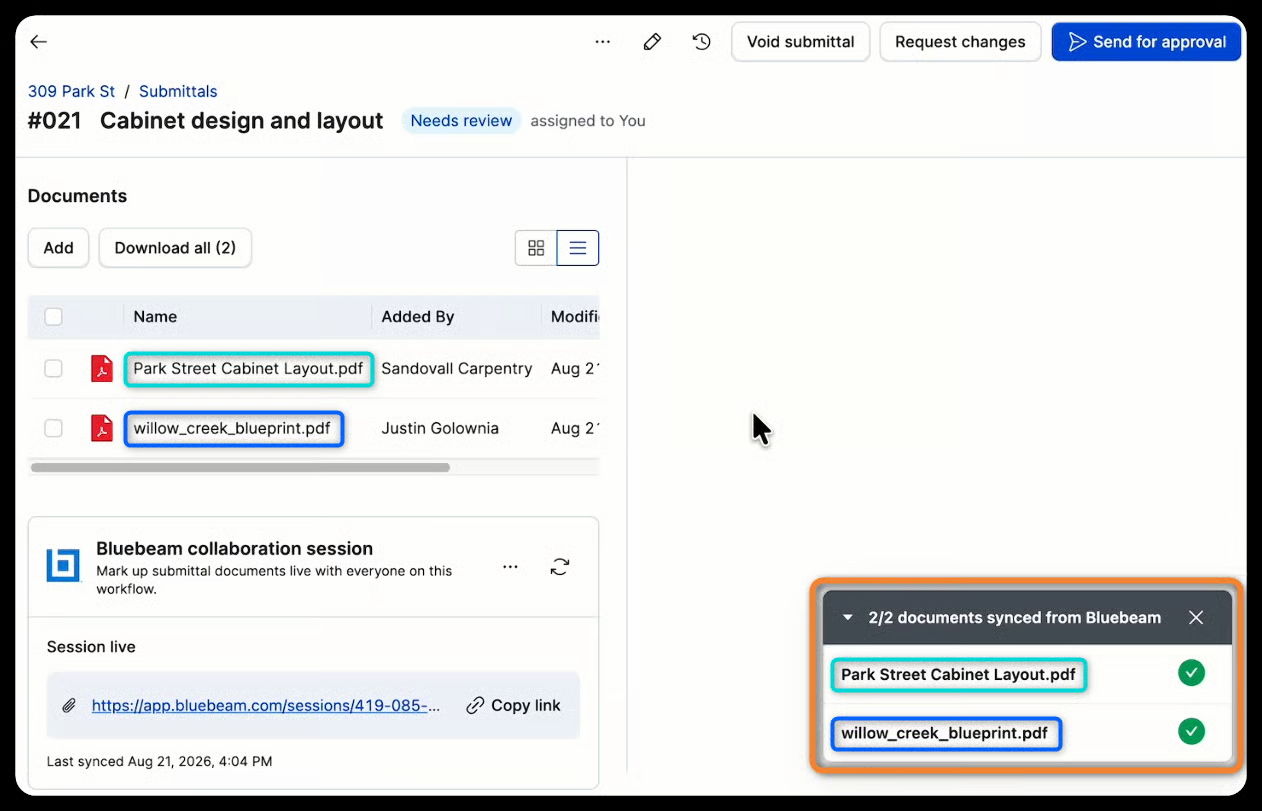
Upload a PDF to a submittal, then start a Bluebeam session directly from Buildertrend. Invite anyone else in the submittal workflow to join. Markups sync back to Buildertrend on demand or automatically when the session ends.
RFIs
Buildertrend’s RFI feature connects to Bluebeam, so the people tied to a question work on the attached document together. Attach a PDF to an RFI question, start a Bluebeam session from Buildertrend and invite the RFI assignee to join. Markups sync back on demand or automatically when the session ends.
Bluebeam Server Region(s) Supported
- United States
End User Requirements
- Bluebeam subscription
- Buildertrend subscription is required.